Building a store website
In this article, I will share my experience building a website using Quarkly
So, What is Quarkly 🤔 ?
Quarkly is a low-code design tool for creating websites and web apps.
It was the best fit for all the features I needed and was also free 😋
Few features are listed below -
- Github sync of whole website code. (take home your website code ) 🥺
- Building custom components using react.
- Prebuild components library.
- performant (changes are visible close to real-time)
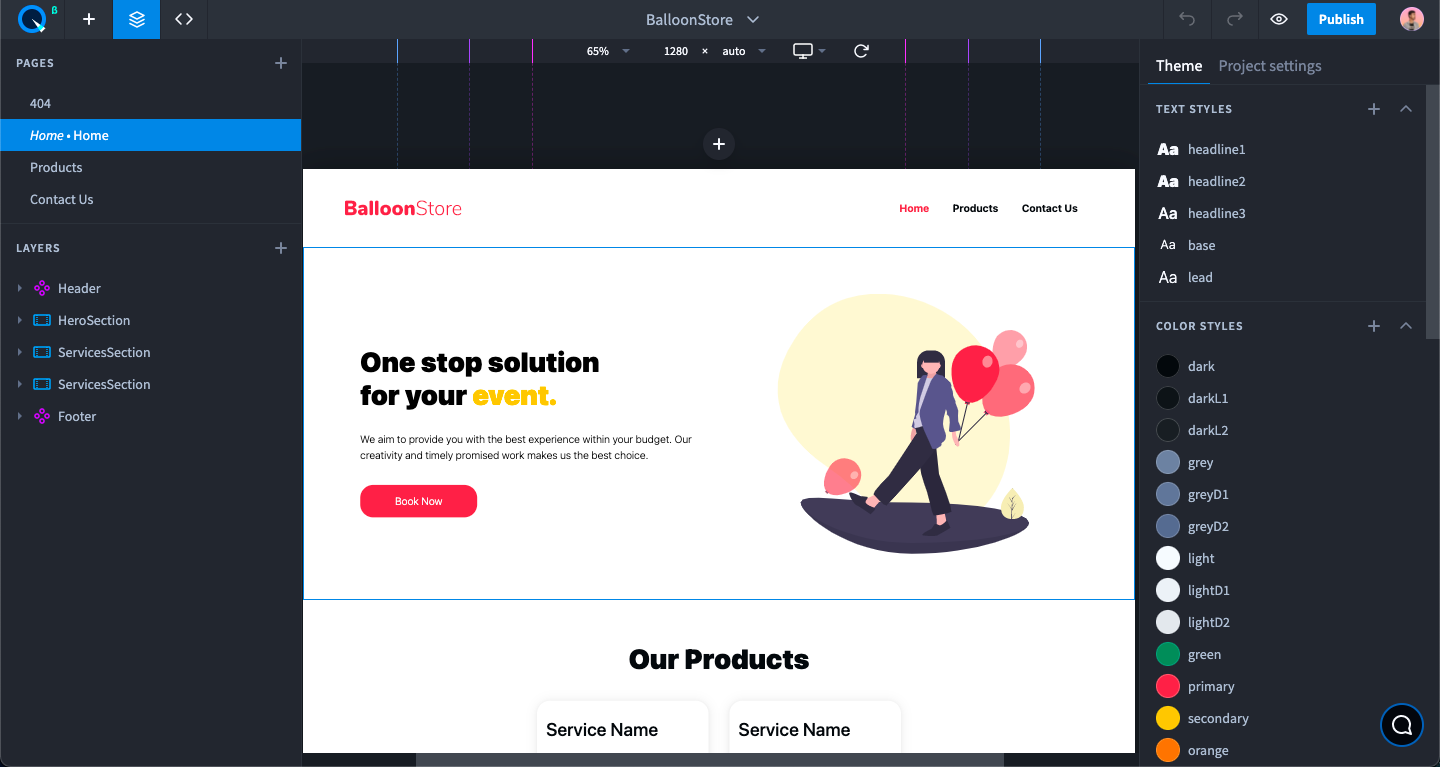
Now, let's begin to create the website. 🛠
For the website demoed in this article, inspiration was taken from a design by bhavya sinha.
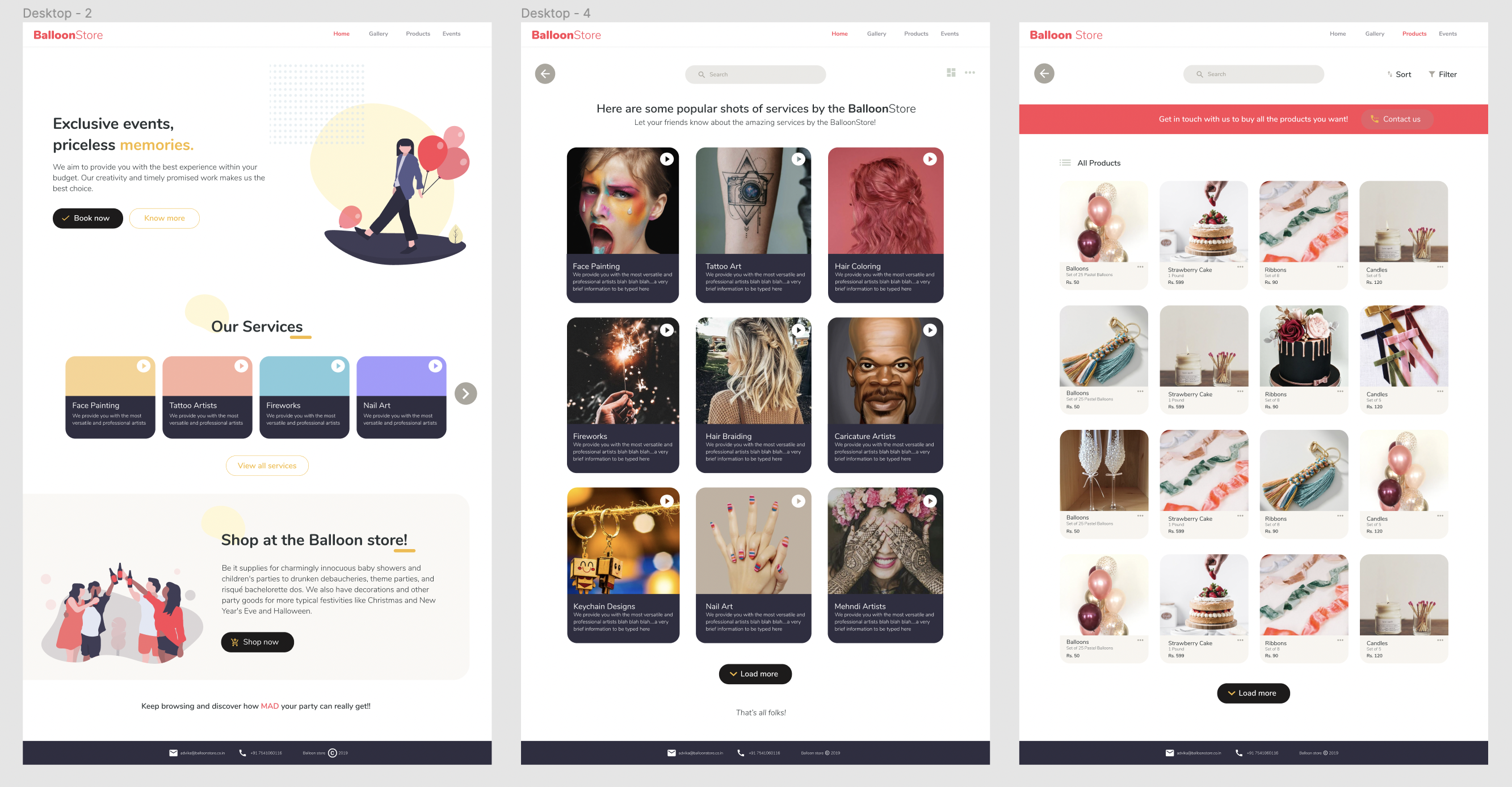
Before starting to create anything using quarkly I would suggest checking out their tutorials on youtube. Understanding how components are created and consumed will boost website development using quarkly.
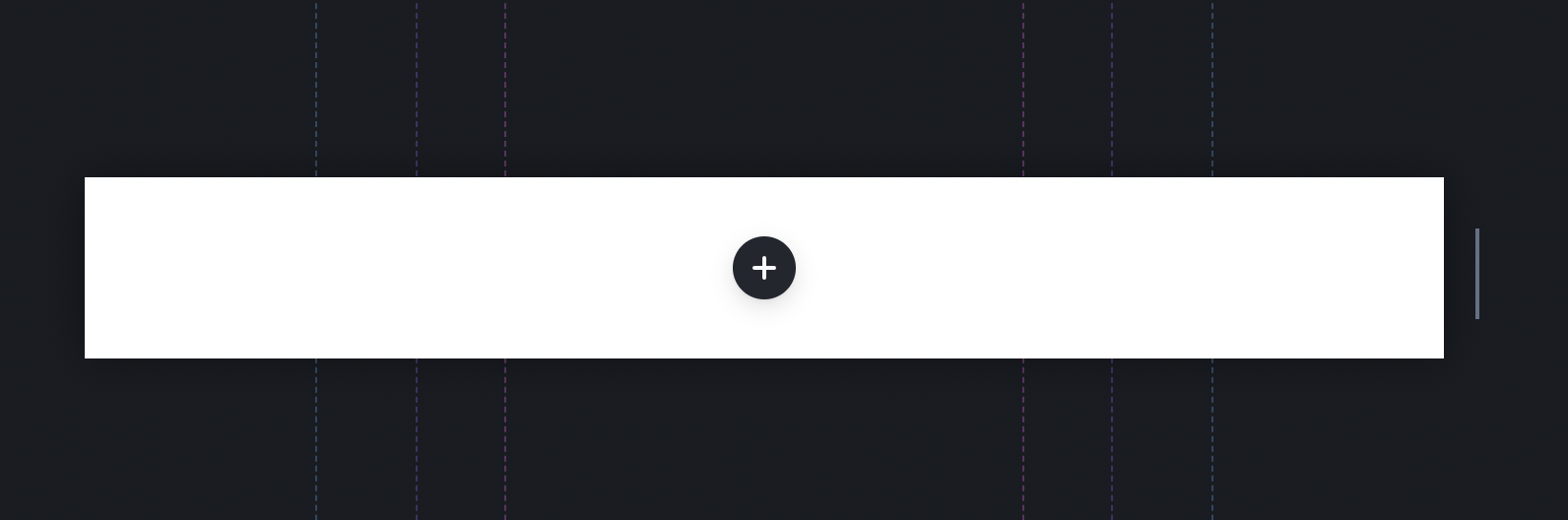
When a user creates a new project, they will see an empty canvas as shown below ⬇️
Now, let's start with making components that are common in multiple pages such as Header, Footer.
1. Creating <Header/> and <Footer /> component
In quarkly's catalog, there are a few sample headers for the basic use case.
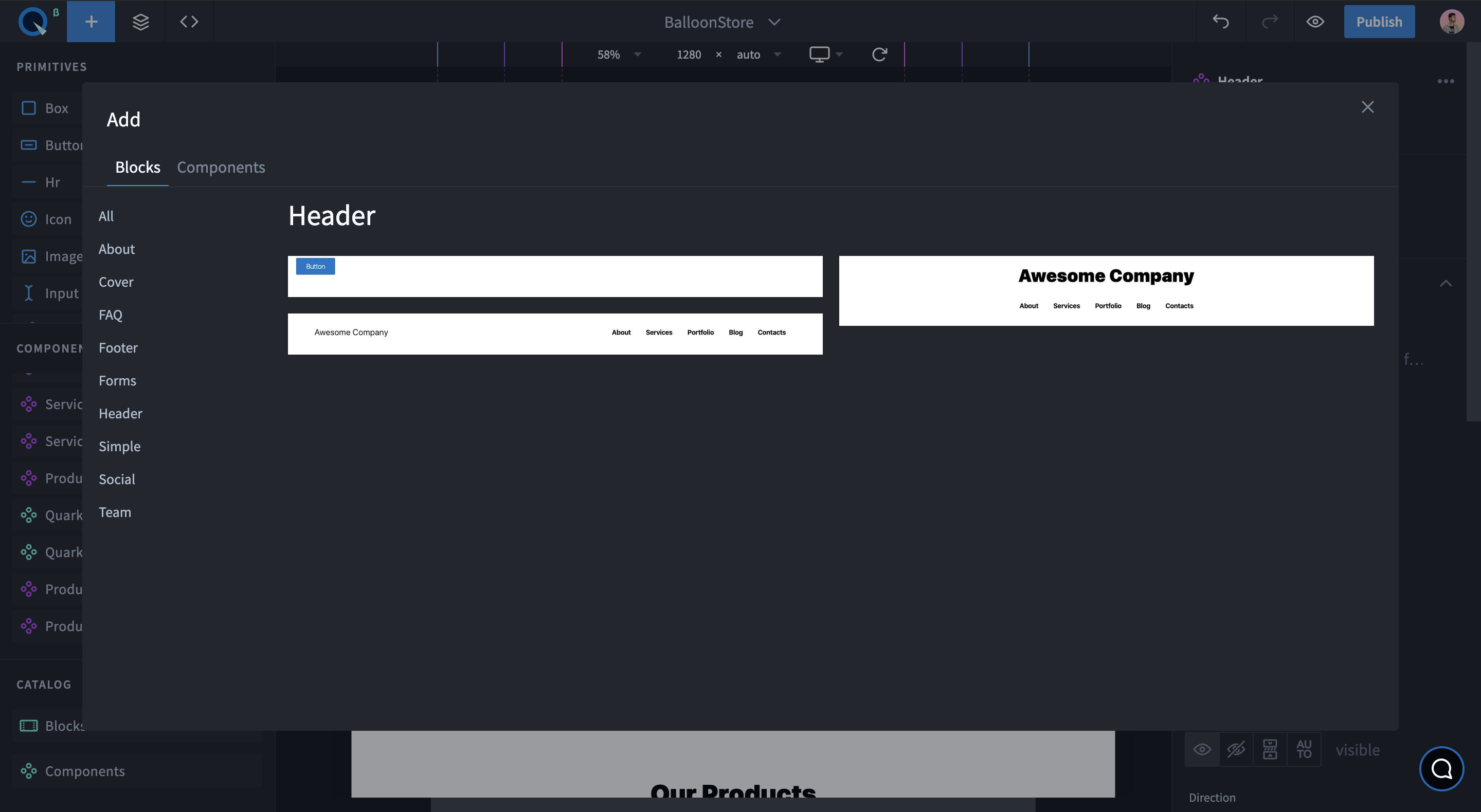
I choose one of them, modified the style, and added two new pages to the project. Also to show the currently selected page color modify the theme accordingly.
After the header was ready, I converted it as a component to use on every page.
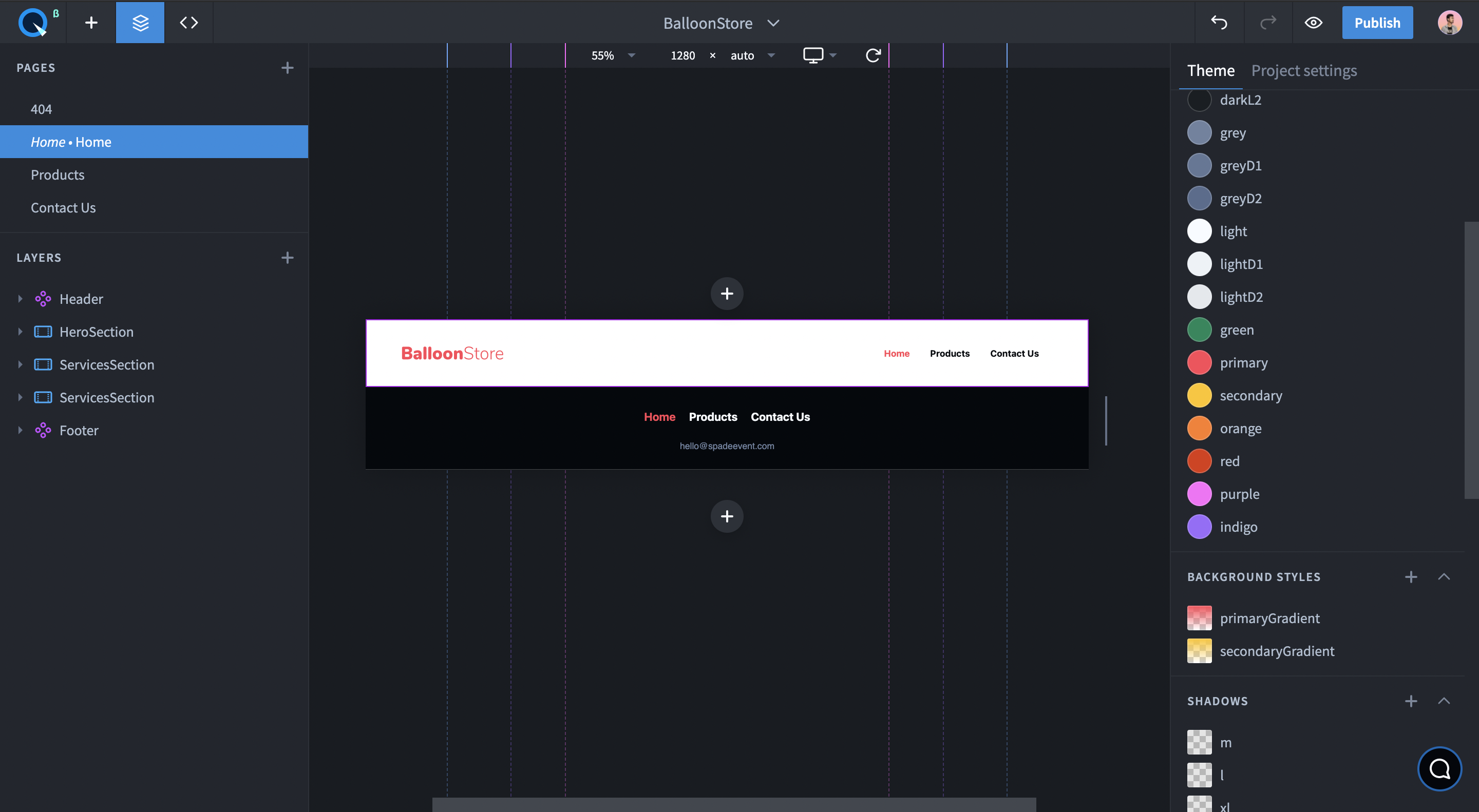
Similarly, Add a footer component.
2. Creating Product Cards
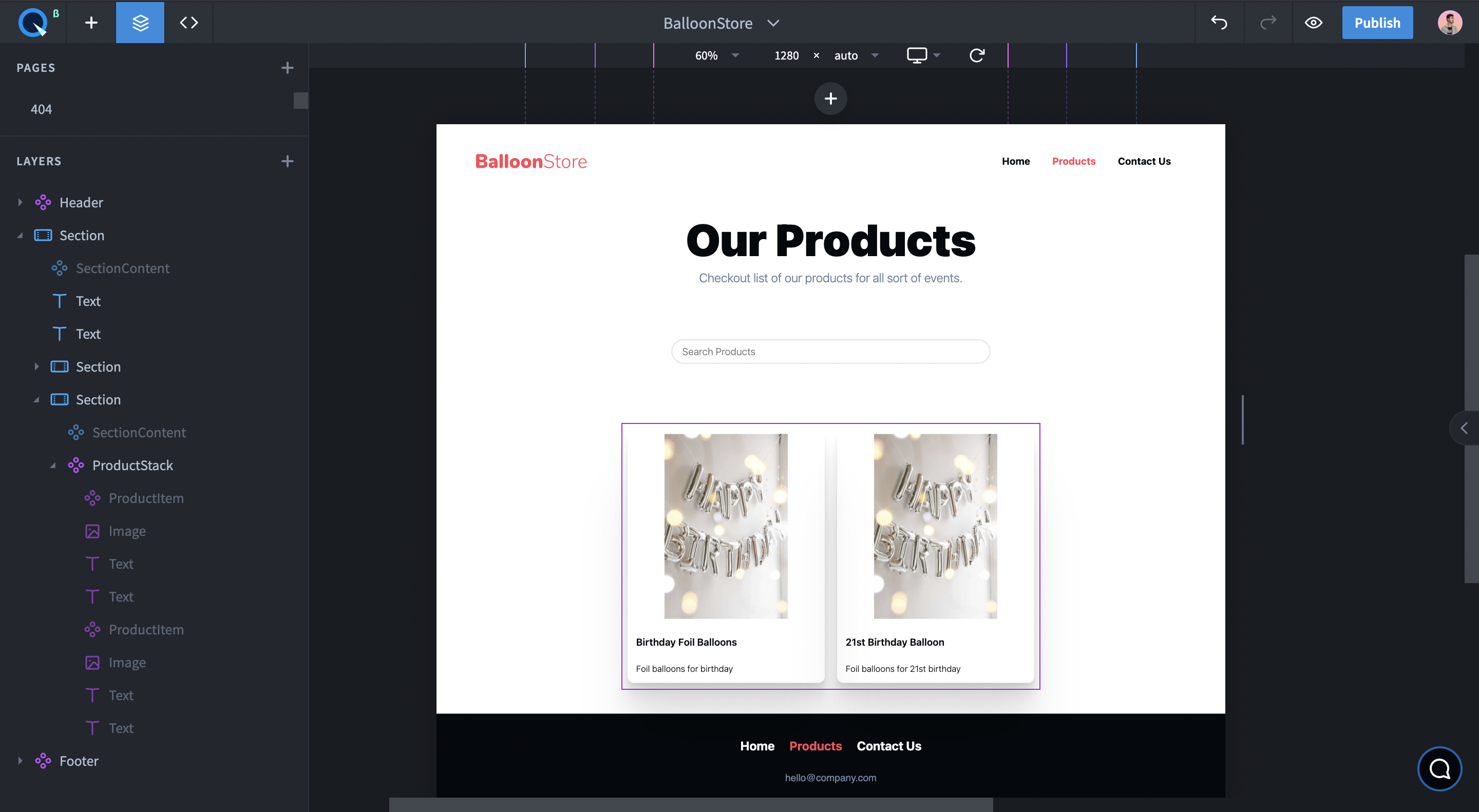
Quarkly also provides a components library that can be used to create other components.
I used quarkly's stack component to show the ProductItem (Card) inside it.
3. Load data from google sheets
As for this project, google Sheets is used as a database, we need a way to fetch google Sheets data.
I followed the steps in the video below, to set it up.
Here is a sample code to fetch data from google sheets.
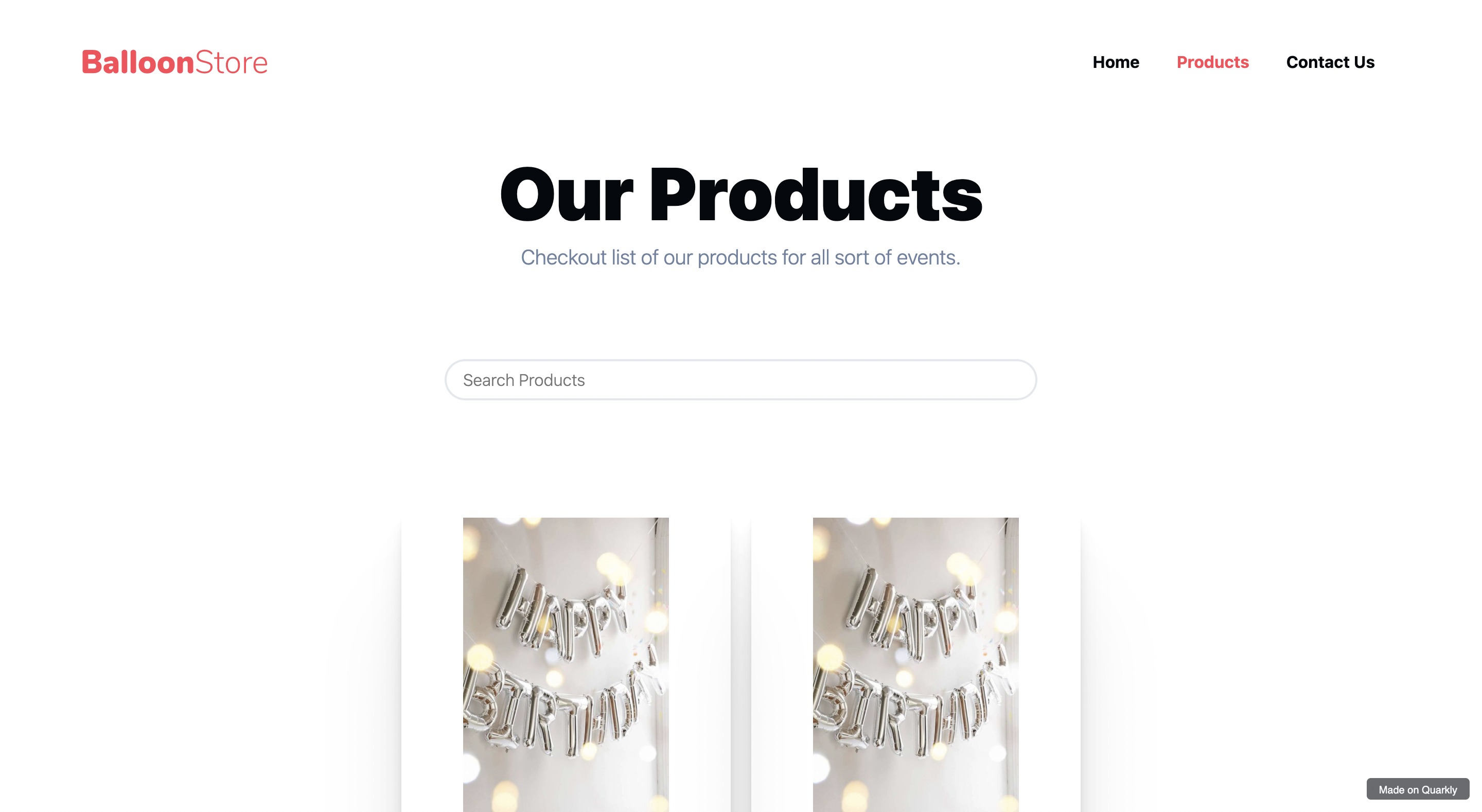
This is how products page of the website looks. 🤩
4. Git Sync and smooth deploy experience 💨
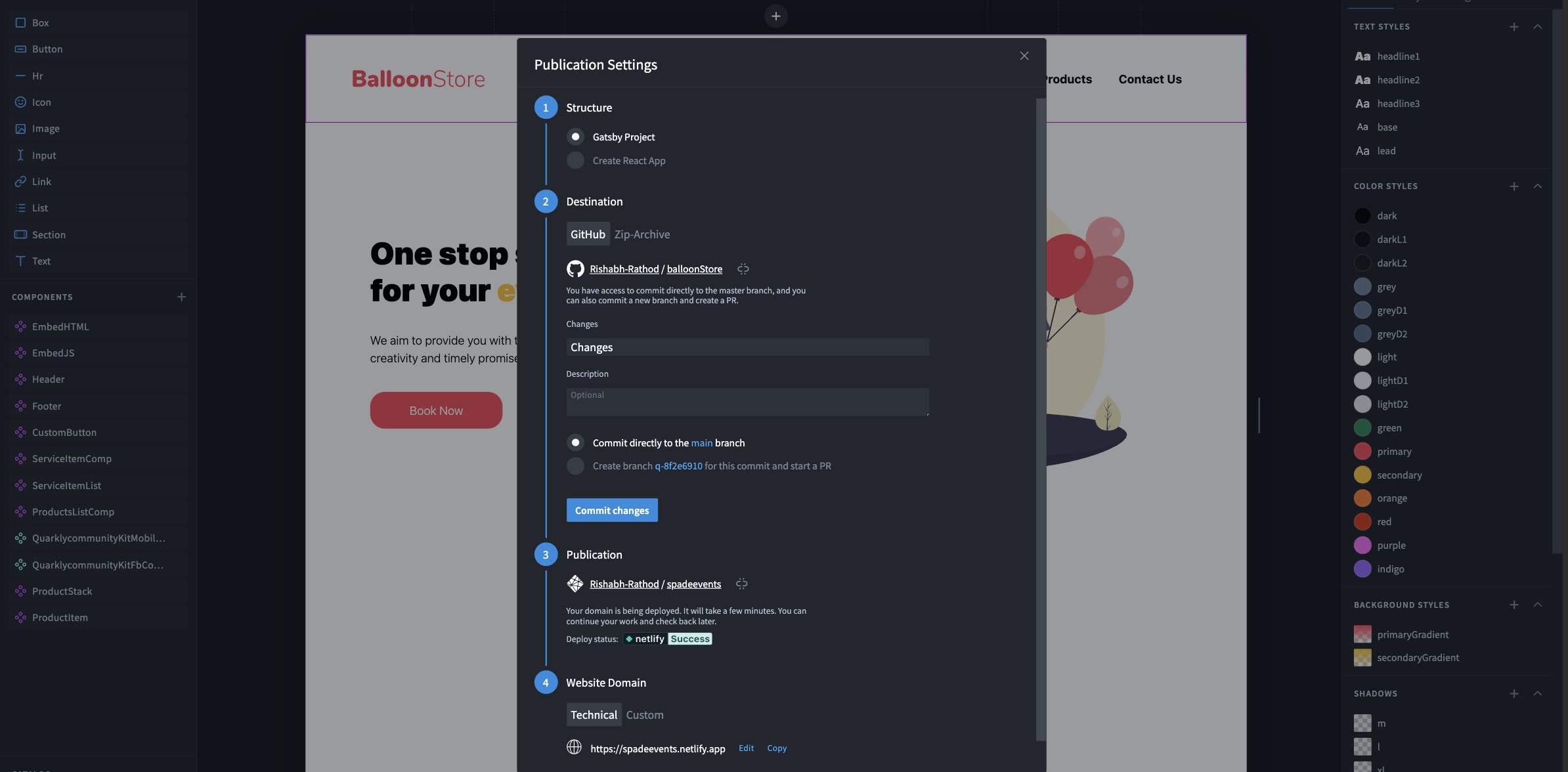
I loved the git sync and one-click netlify deployment feature. It was one of the smoothest deployment experiences I ever had.
And we are done 🎉

PS: I would love to know what you make using quarkly. If you are stuck anywhere feel free to join their discord.